Your company AI on the Mac — local first. entAI answers on the Mac's own model whenever it can, and only sends requests to your organization's OpenAI-compatible service (Azure OpenAI, OpenAI, or a gateway) when the local model can't handle it, as your policy allows.
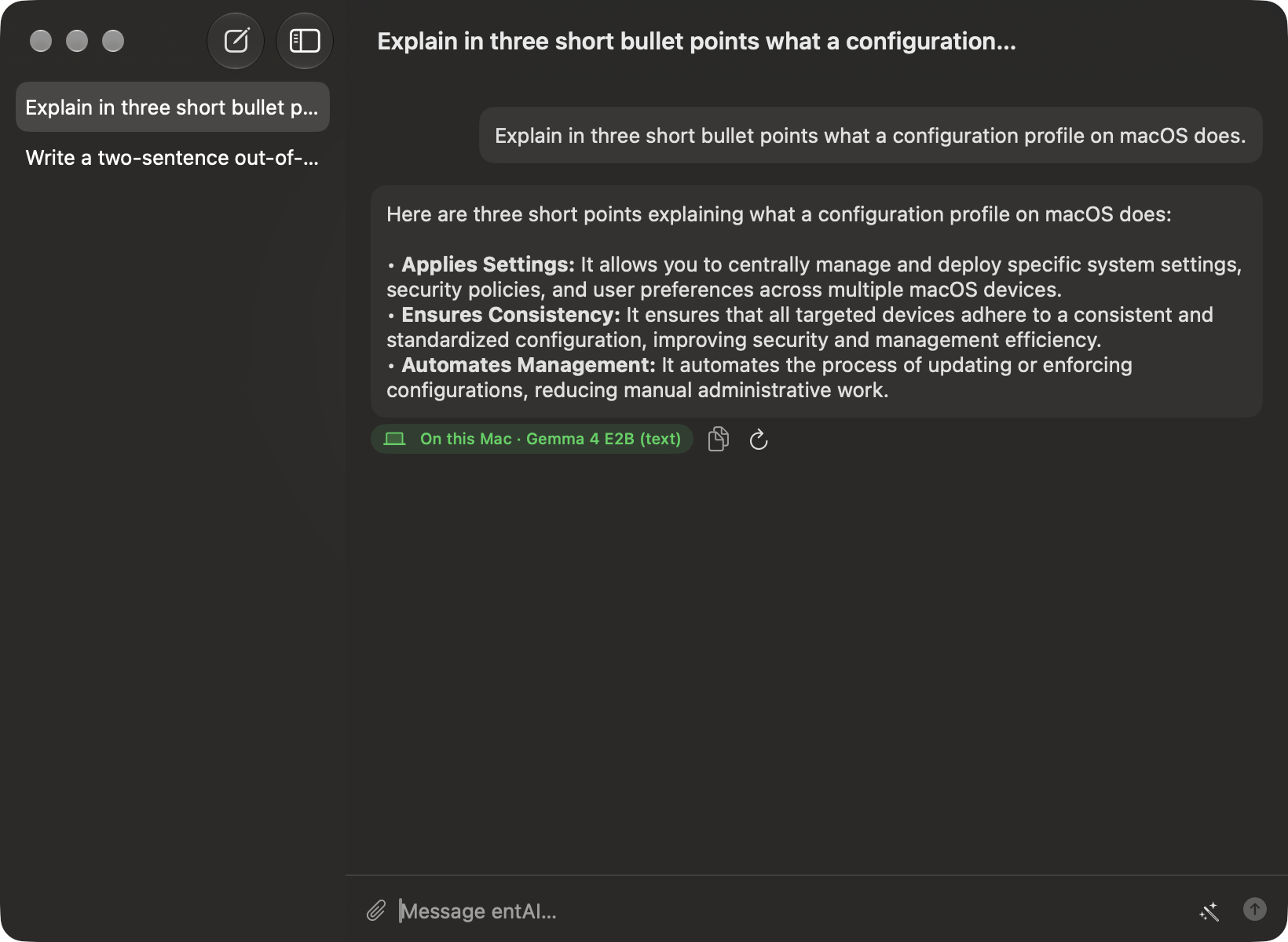
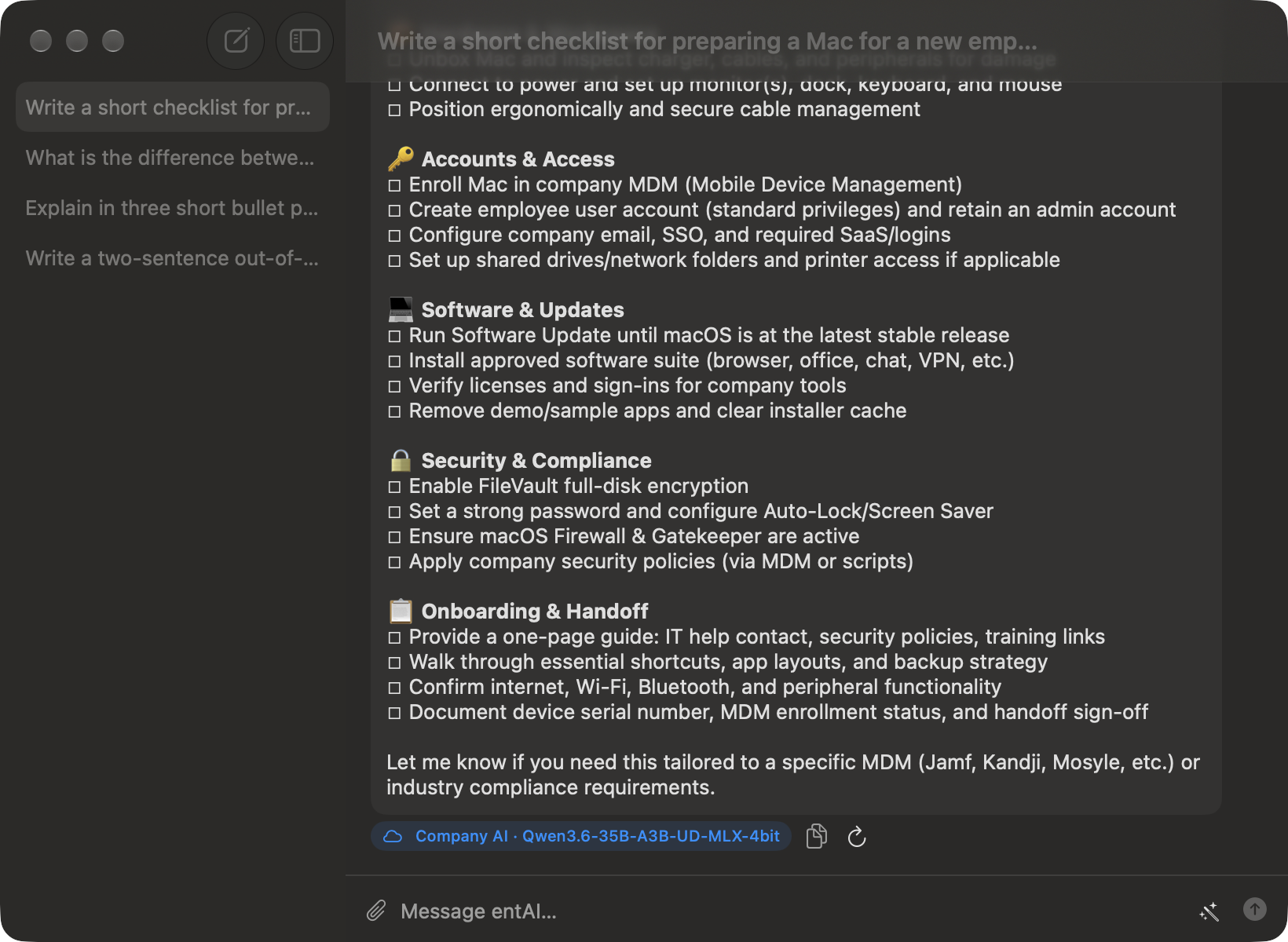
A menu bar chat window with history and file/image attachments. Every answer shows exactly where it came from — this Mac, or the company AI.
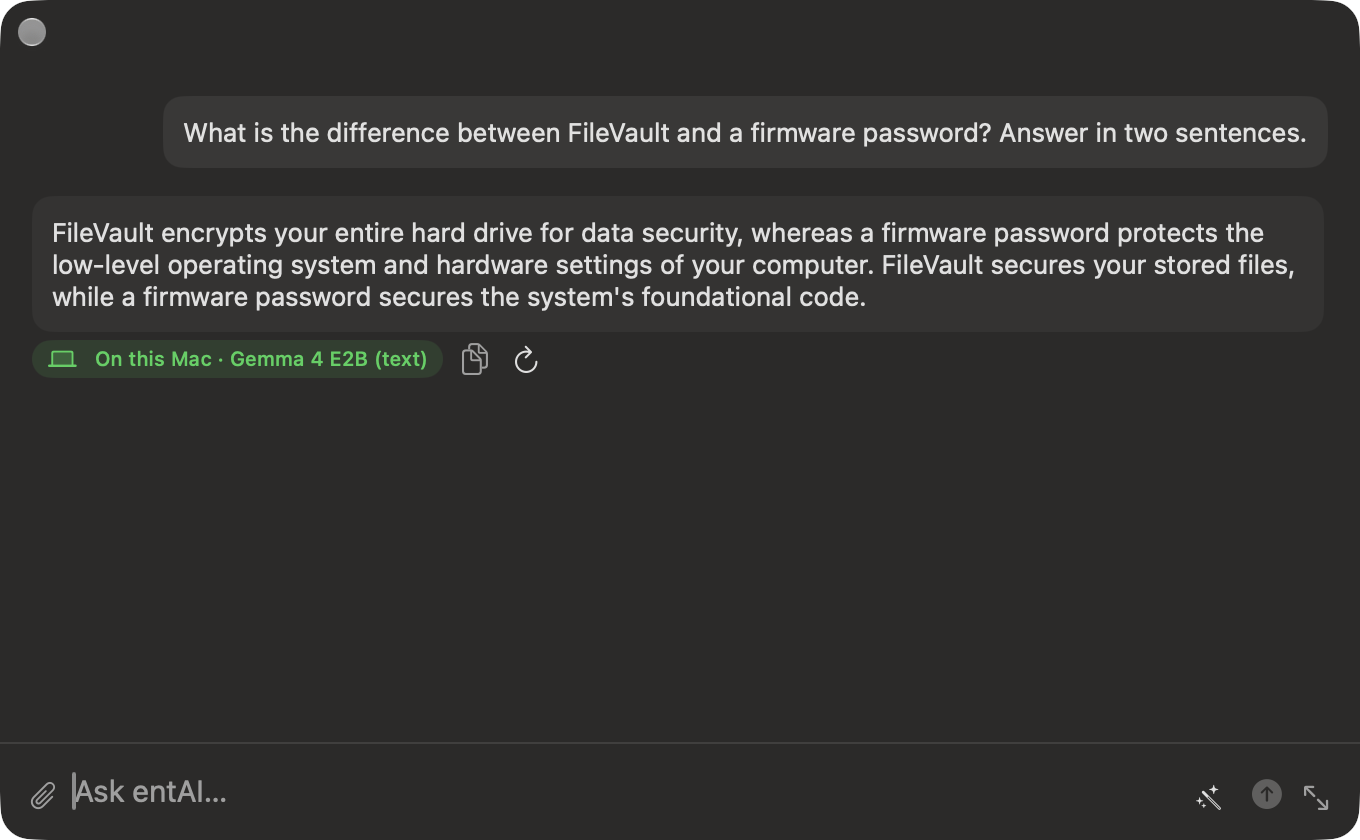
Double-press ⌥ anywhere for a floating, Spotlight-style chat panel — no need to switch apps or find the menu bar icon.
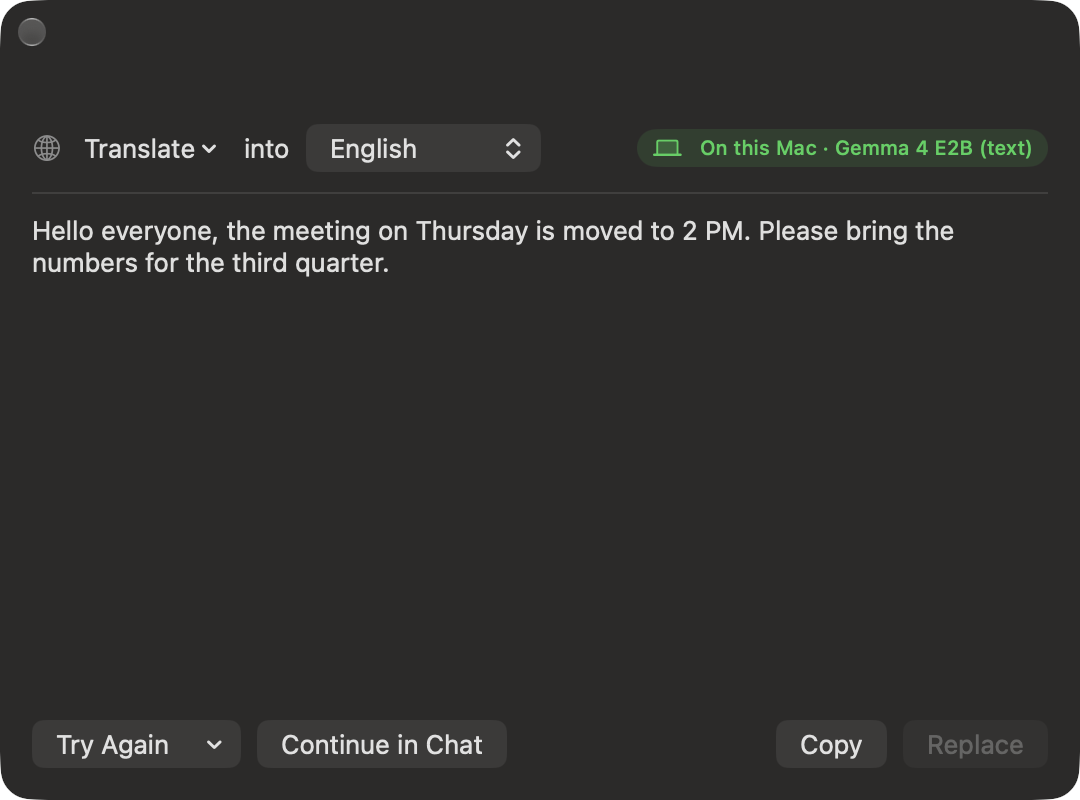
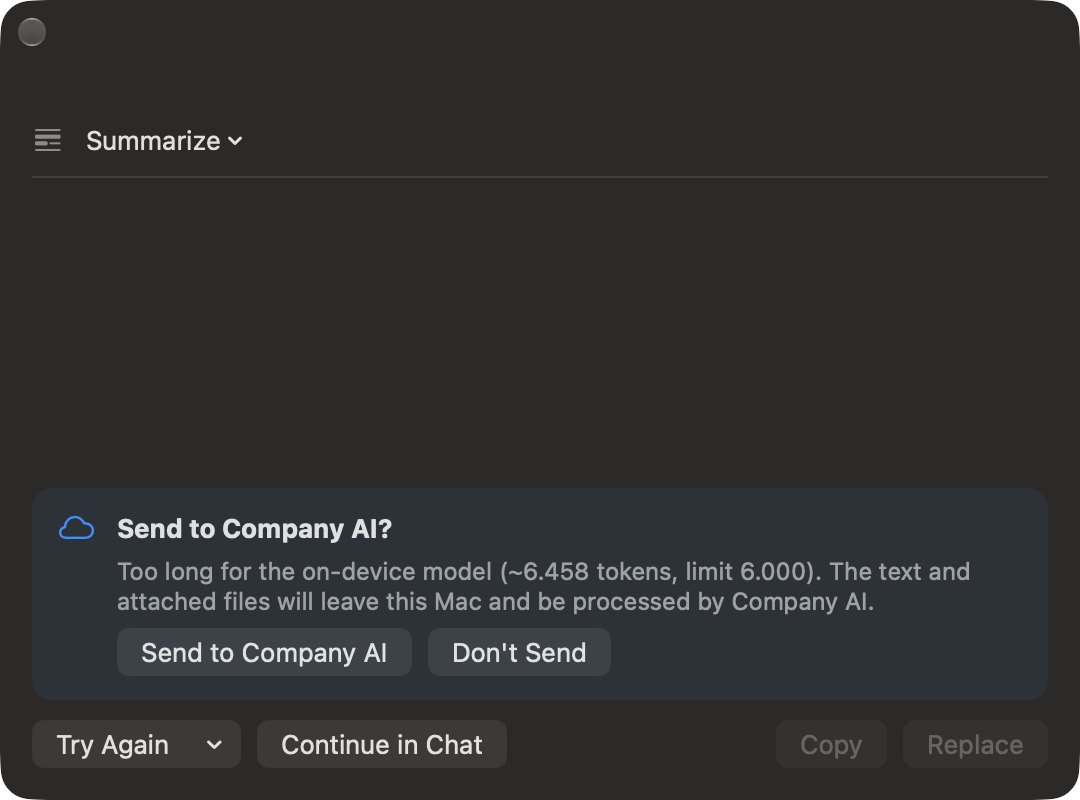
Select text in any app → Services → entAI: Summarize, Translate, Rephrase, Fix Grammar, Explain, and more — with a live preview and one-click Replace.
Right-click a file in Finder to summarize it or ask about it — it opens straight into the chat so you can follow up.
Too long, contains images, or no local model fits in free memory right now → escalates to the company AI, exactly as your CloudPolicy allows. The model never decides where it runs.
Never, Ask, or Automatic — an explicit "Ask Company AI" always counts as consent, and every answer carries a source badge, never silently.
API key, Azure OpenAI, or Microsoft Entra ID (OAuth + PKCE, silent via the Enterprise SSO plug-in). No secrets ever stored in configuration profiles.
Add your own right-click actions — custom prompt, icon, routing, input type — alongside the 12 built-ins, deployed entirely by MDM.
Local vs. cloud request counts — never content — via a Jamf Extension Attribute or Intune custom attribute, and right in Settings → Usage.
Every configuration key, how routing decisions are made, Microsoft Entra ID setup end to end, and the full privacy/data reference.
📖 Read the DocumentationmacOS 26 or later, Apple Silicon only.
8 GB RAM minimum — the on-device model needs about 2.7 GB free.
Version 1.0.0. Signed with a Developer ID Application certificate and notarized by Apple.
~2.6 GB installed, including the bundled Gemma 4 E2B on-device model.
Local routing, actions, packaging, signing and notarization, and Services integration are all verified — including live cloud escalation against a real OpenAI-compatible server.
Microsoft Entra ID sign-in has not been tested against a real tenant yet (unit-tested and mock-server only). The Azure OpenAI backend itself hasn't been exercised against a live Azure resource either — real-world cloud testing so far used a different OpenAI-compatible server.
Concept app · Free · Signed & Notarized · macOS 26+ · Apple Silicon · 2.4 GB
Download entAI