🩺
Checks Without AI
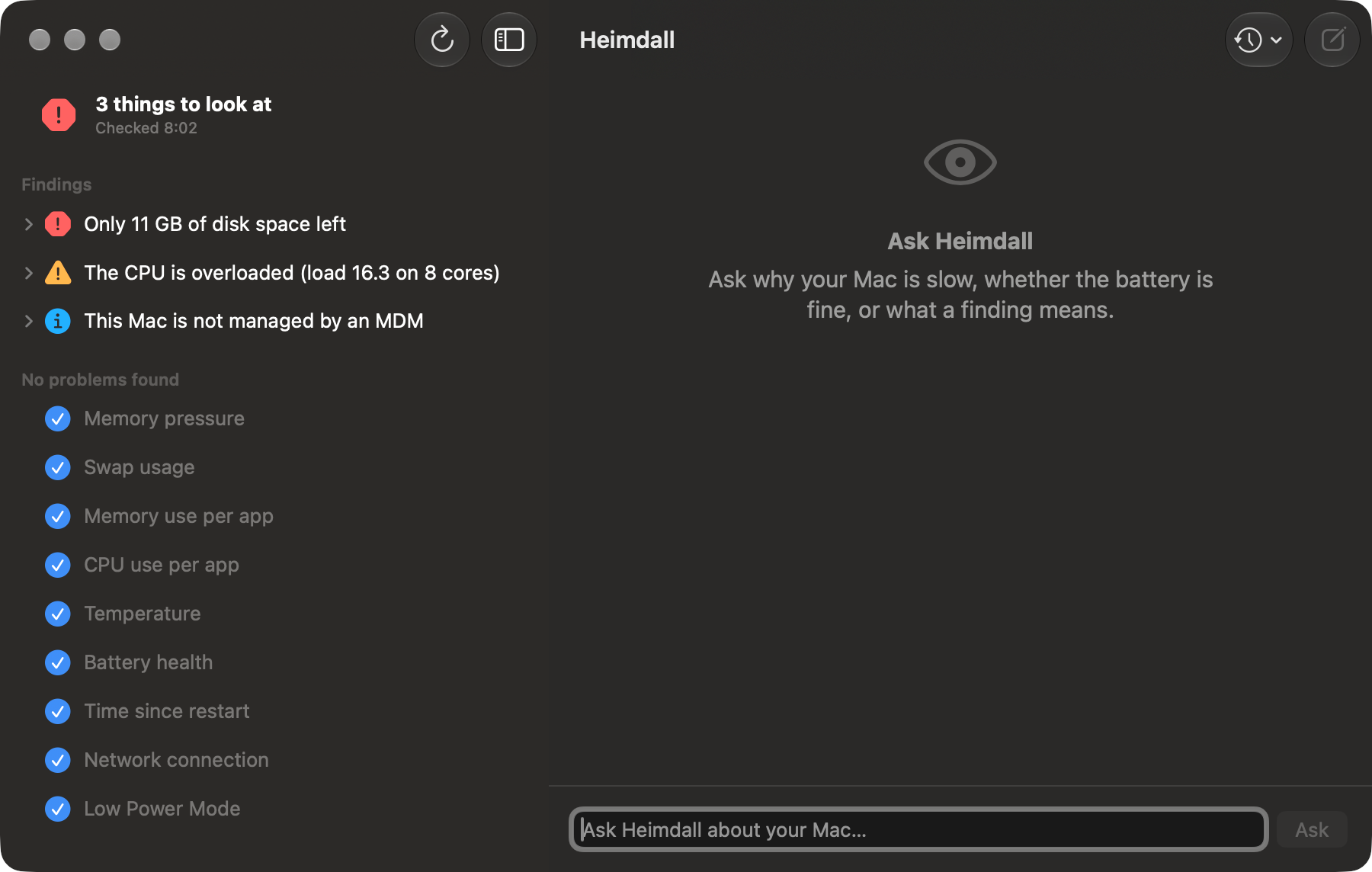
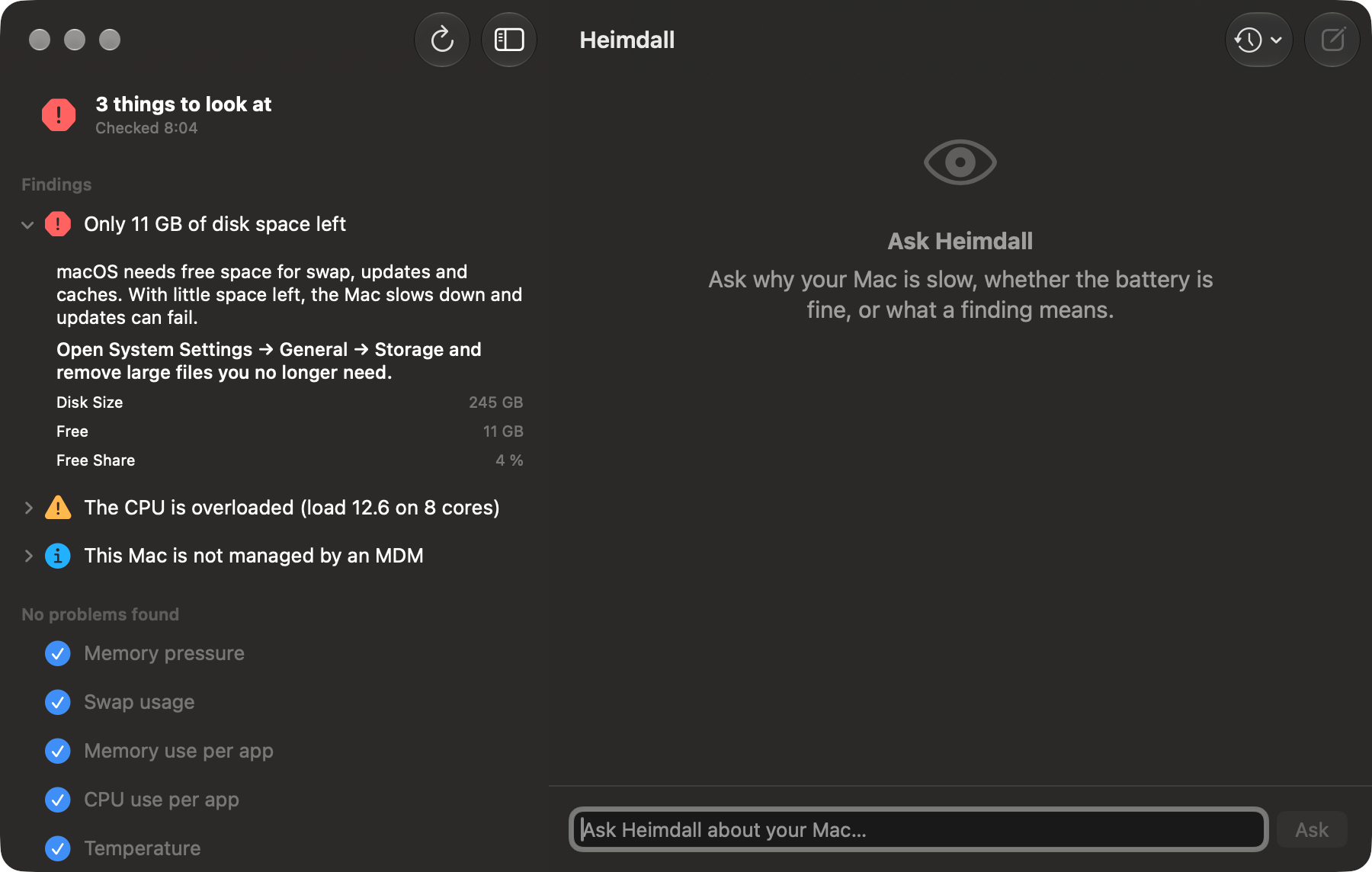
A deterministic rule engine evaluates the Mac and lists findings with severity (critical, warning, info), explanation, recommendation and the measured values in human units.
💬
Ask in Plain Language
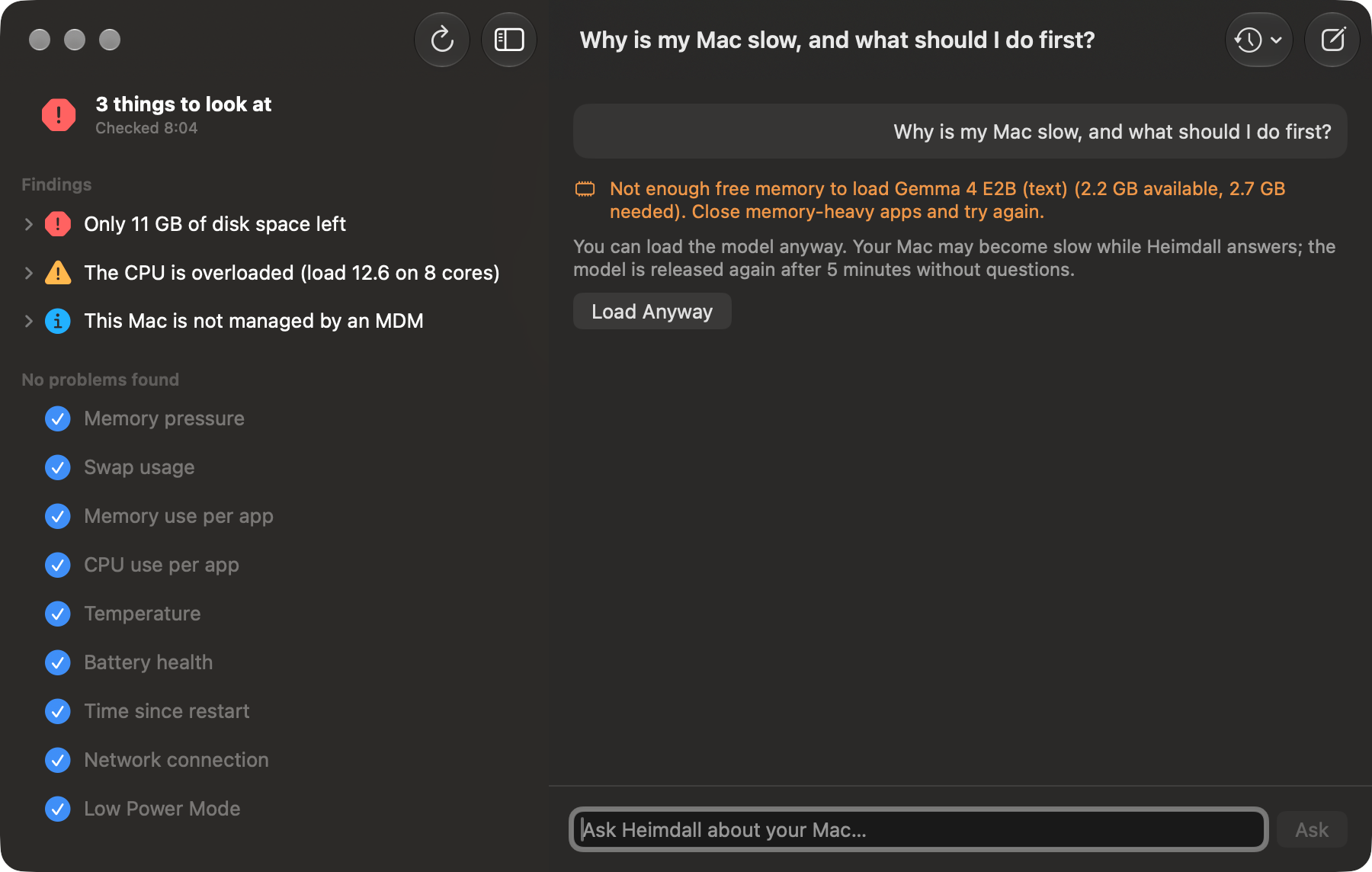
“Why is my Mac slow?”, “Is my battery OK?”, “Is this Mac managed?” The on-device model explains the rule engine's findings — it never invents its own. Every question carries the current results, so it doesn't ask users to run commands or paste logs. It introduces itself as Heimdall and declines requests unrelated to the Mac or IT.
🧠
On-Device Model
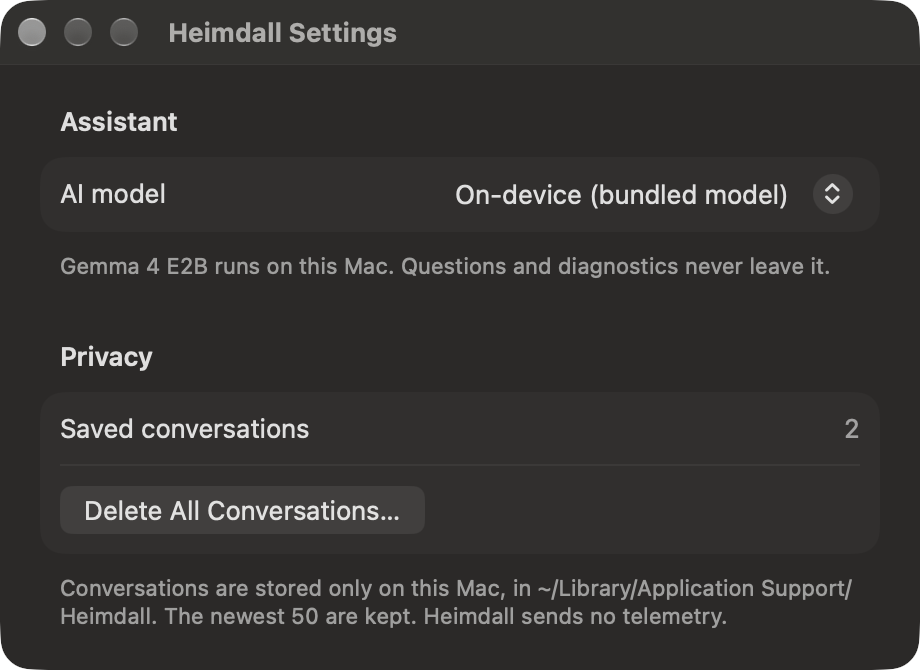
Gemma 4 E2B (text-only) is bundled in the app and runs via MLX. Loaded on the first question, released after 5 minutes idle. Load Anyway when memory is short.
🖥️
System Checks
Memory pressure, swap, memory and CPU per app, CPU load, thermal throttling via kernel_task, temperature, battery health and cycles, disk space, uptime, network, Low Power Mode.
🏢
Device Management
MDM enrollment and user approval, Automated Device Enrollment, MDM profile signature, MDM errors in the system log, Jamf Pro and Microsoft Intune agent health. The managing vendor is read from the MDM profile, so a Jamf-managed Mac with Company Portal no longer gets an Intune warning. Kandji, Workspace ONE, Addigy and Mosyle agents are detected.
📚
Knows Your Organization
Deploy IT guides (Markdown, text, PDF, Word, RTF, HTML) and Heimdall searches them locally, answers from the matching sections and names the document. A support contact you set is added when an answer recommends contacting IT.
🗂️
Conversations
Saved per session on the Mac (newest 50 kept), with New Conversation and a Conversations menu. The model sees the last 10 messages.
⚙️
MDM-Configurable
Managed Preferences can force the on-device model, point Heimdall at an OpenAI-compatible server, set the documentation folder and the IT support contact. Forced settings show as locked. A Jamf Pro schema and example profile are included.
📦
Easy to Deploy
A signed, notarized package that installs only the app — no LaunchAgents, no daemons, no root helper, no system extensions.
🔒
Private by Design
No telemetry, no account, no cloud. Data leaves the Mac only if an administrator configures an external server.